
Plan mode
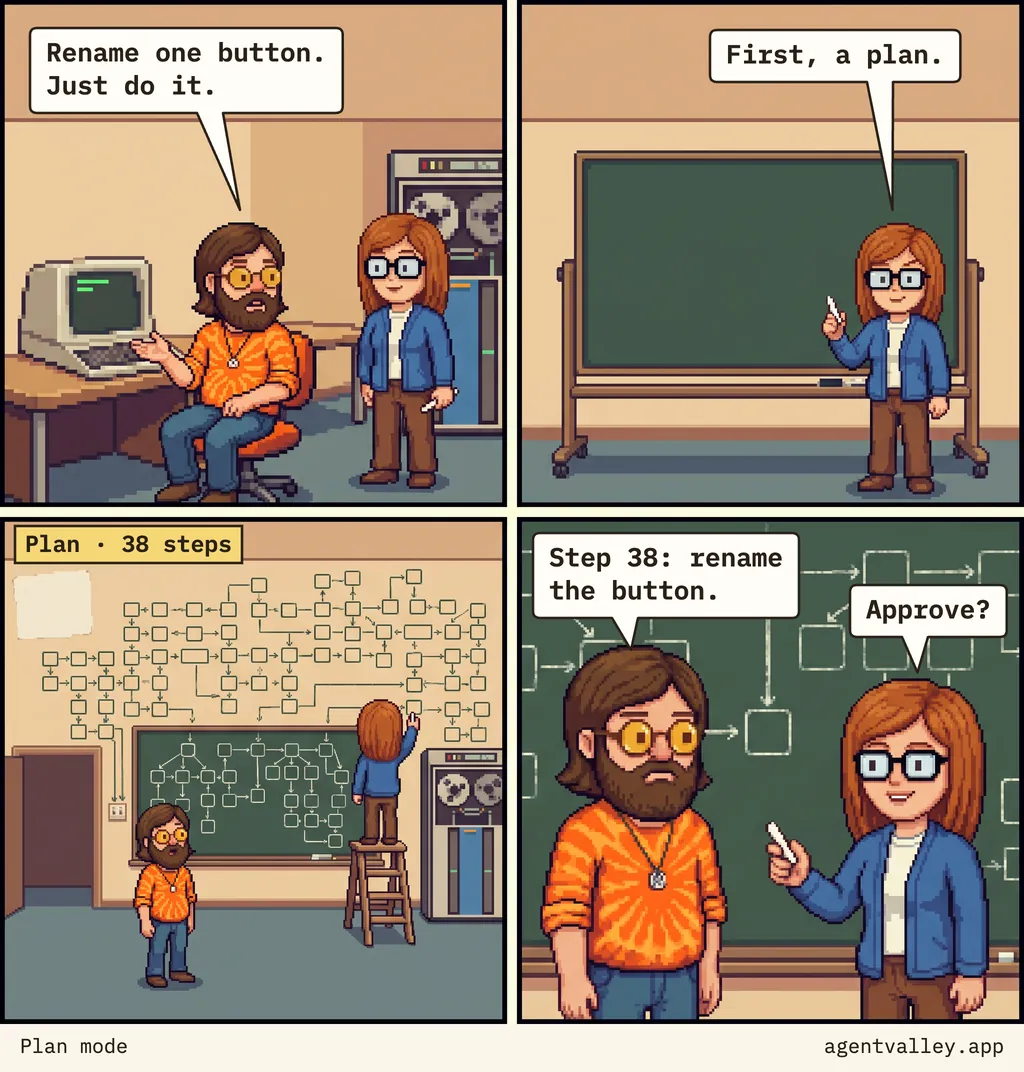
Sunny asks for one renamed button. Judy, the Plan agent, wants a plan first, and the plan takes the whole wall.
What they say
- 1Sunny, at his terminal, to Judy: “Rename one button. Just do it.”
- 2Judy at a blank chalkboard, chalk raised: “First, a plan.”
- 3A chalk flowchart covers the wall. The tag reads “Plan · 38 steps”. Judy adds one more box from a stepladder.
- 4Sunny reads the last box: “Step 38: rename the button.” Judy holds out the chalk: “Approve?”
What plan mode does
In plan mode, Claude Code reads files and runs shell commands to look around, then writes a plan. It does not edit your code until you approve one. Press Shift+Tab to get there, put /plan in front of a single prompt, or start a session with claude --permission-mode plan. Shift+Tab again leaves without approving anything.
To gather what the plan needs, Claude can send the Plan sub-agent, a read-only research agent. In AgentValley that sub-agent gets its own row under the session in the notch, with Judy's face.
When to skip the plan
Claude Code's best practices have a rule for it: if you could describe the diff in one sentence, skip the plan. Their examples are a typo, a log line and a rename. Rename one button
is one sentence, so ask for the change itself. Plan when you are not sure how the change should go.
When the plan arrives anyway
Claude Code shows the plan and asks what to do with it:
Yes, and use auto mode
(orYes, auto-accept edits
) approves it and hands the edits to Claude.Yes, manually approve edits
approves it and asks you before each edit.No, keep planning
sends it back for another round.
Ctrl+G opens the plan in your text editor, where you can change it before you approve. Thirty-seven steps are quick to delete.
AgentValley is free and open source.
A small valley of programmers in your notch. Needs macOS 15 or later and Claude Code.